Wallpaper
Sits behind your icons and reacts to the cursor. Pauses itself when a fullscreen game is open.
Windows desktop aquarium
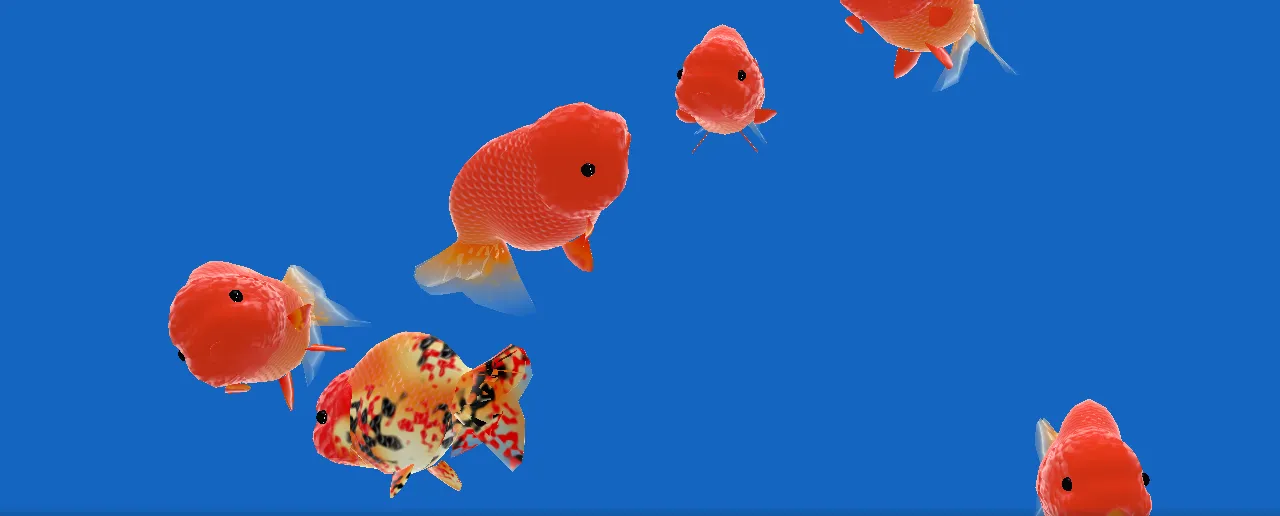
A living 3D aquarium that sits quietly behind your windows. Real fish, real water, real calm — for the price of a coffee.
Free to try · Windows 10/11 · no account
 Wallpaper Live 3D
Four ways to live with it
Wallpaper, window, fullscreen, or a small floating tank that follows you. Switch any time — the fish keep swimming.
Sits behind your icons and reacts to the cursor. Pauses itself when a fullscreen game is open.
A frameless window you can park beside your work. Always-on-top is one click away.
Turn the monitor into a tank. Cursor and interface fade away; the room goes quiet.
A palm-sized tank that floats above other apps and follows you across virtual desktops.
Made to feel real
Most desktop aquariums look like a screensaver. We spent the effort where it shows: how the fish move, how they react, and how the light behaves.
Feeding has a pecking order, a delay before the rush, and fish that stop when they are full. Move the cursor close and bold fish come to look; shy ones hide.
Water absorption, caustics, depth of field and contact shadows are matched per scene, so the fish reads as being inside the tank — not pasted on top of it.
Swap tanks and scenery, then breed your own Ranchu: body shape, tail, colour patches. Nine skins ship with the free version.
The renderer pauses when the tank is hidden or a fullscreen app is open. On a laptop it sips power; on a desktop it disappears into the background.
Inside the tank
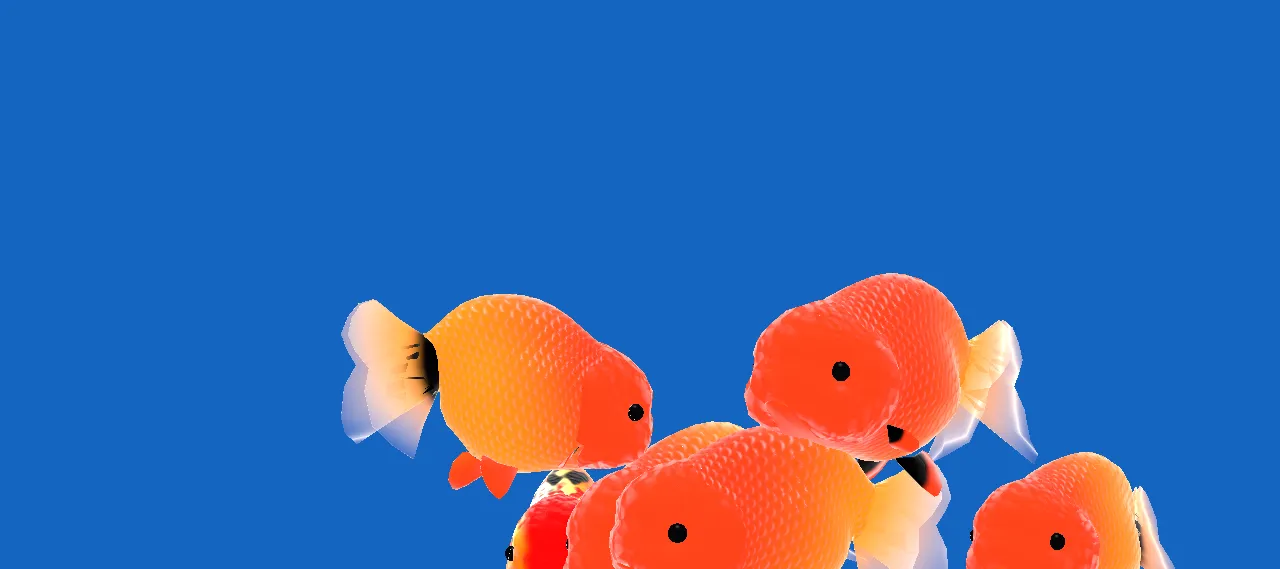

Screenshots from the current preview build.
Simple pricing
The free version is a real aquarium, not a demo. Pay once to unlock every tank, every fish and the full workshop.
$0 forever
A real aquarium, not a demo.
$5.99 one-time
Everything, unlocked on three devices.
Community
The forum is where people post their setups, swap scenery, report bugs and vote on what we build next.
Windows 10 and Windows 11, 64-bit. The preview build needs a GPU with DirectX 11 support and about 300 MB of disk space.
The tank pauses automatically when a fullscreen application is in the foreground, and it renders at a low frame rate when nothing is moving on screen. Most people never notice it running.
Not yet. The workshop ships with official tanks and scenery; importing your own backgrounds and fish is on the roadmap.
No. The aquarium runs entirely offline. You need a connection once to activate a licence, and it can stay offline for up to seven days between checks.
Nothing is deleted. Your tank keeps its structure and fish; only paid content falls back to the free scene, and you can unlock it whenever you like.
Fourteen days from purchase, no questions asked. See the refund page for details.
Download the preview, keep the free tank, upgrade when you want more.